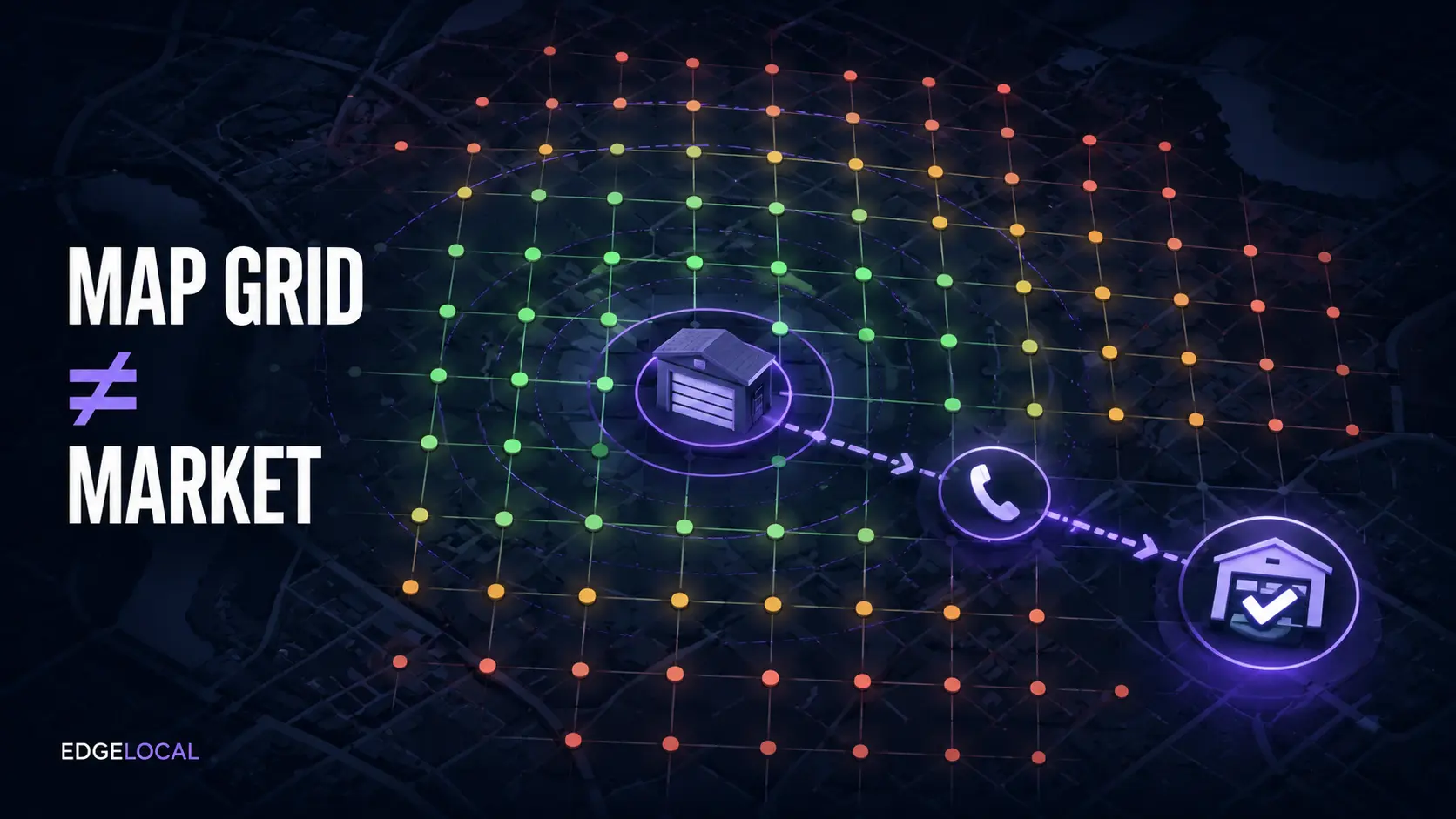
A garage door company receives a colorful Maps ranking grid and sees green near the office, yellow across town, and red at the edge. The report looks precise, but it does not answer the commercial question: can profitable customers in the real service area find the company for the services it can fulfill? A useful grid is a controlled visibility sample. It is not a citywide ranking, a lead forecast, or proof that every green point produces work.
01
The answer: use the grid as a controlled comparison, not a citywide grade
A local rank grid runs the same query from multiple geographic points and plots the result at each point. BrightLocal describes each grid point as a local search made with the selected keyword. Local Falcon separates the grid radius, which controls the distance from the center to the outer points, from the grid size, which controls the number of sampled points. Change either setting and the picture can change even when the business does not.
The grid is valuable because one search from the office can hide how much local visibility varies by location. It becomes misleading when a report turns dozens of sampled positions into one universal claim such as ‘you rank fourth in the city.’ The honest statement is narrower: for this profile, query, scan area, configuration, source, and moment, the tool observed these positions.
EdgeLocal viewpoint: a useful scan measures visibility where qualified customers can become profitable jobs. A prettier grid is an intermediate signal. The finish line is serviceable calls, booked work, completed jobs, and acceptable margin.
02
Why the same company can rank differently across the map
Google says local results are mainly based on relevance, distance, and prominence. Relevance concerns how well a profile matches the search. Distance considers how far each potential result is from the location term or searcher. Prominence reflects how well known a business is, using information such as links, articles, directories, and reviews. Google also states that businesses cannot request or pay Google for a better local ranking.
That makes geographic variation normal, especially for a service-area business whose address is hidden from customers. Adding a city to the Business Profile service-area field does not turn that boundary into a ranking radius. Google's service-area guidance says the area should be accurate and specific; it does not promise visibility inside every selected market.
Read the center and edges together. Strong visibility near the legitimate operating base that fades with distance can be a proximity pattern, not proof that the profile is broken. Weak visibility everywhere for one relevant service may point toward profile relevance, website support, authority, competition, eligibility, or a measurement problem. Confirm the pattern across more than one useful query before choosing a remedy.
03
Normalize the scan before comparing progress
Keep the same verified profile, exact query, center, radius, grid size, active points, data source, and reporting cadence. Record material changes such as a move, rebrand, category update, suspension, outage, new website, review surge, competitor opening, or seasonal demand shift. A before scan covering five miles and an after scan covering two miles is not a fair progress comparison.
Use a grid shape that represents actual customers. Remove points over water, industrial land with no relevant demand, inaccessible areas, or markets the company deliberately does not serve. Do not shrink the grid simply to manufacture more green. Keep one stable benchmark view and create a separate diagnostic scan when you need finer detail around a priority market.
Treat a single scan as a snapshot. Local results can change, and third-party tools use their own collection methods and reporting conventions. Compare repeated scans with consistent settings, then corroborate the pattern with the Business Profile, website, calls, and dispatch records. Do not promise a ranking because one point briefly changes color.
04
Overlay the profitable service area
Start with operations, not the map. Mark the locations the team can reach within the promised response window, the services available there, common ticket values, travel cost, technician capacity, and areas that repeatedly create cancellations or low-margin work. The service-radius guide explains why operational coverage, profile service areas, and search visibility are three different boundaries.
Weight the grid points instead of treating them equally. A red point in a distant market with poor route economics may deserve no action. A red point inside a dense neighborhood that produces profitable spring, opener, or replacement work deserves investigation. A green point outside the actual dispatch area is not a win if the office must decline the call.
Use EdgeLocal's service-area page planner when a legitimate priority market needs stronger website support. Do not answer a weak grid by cloning thin city pages or inventing offices. Google requires service-area businesses to use real operating locations and prohibits virtual offices that do not meet its eligibility rules.
05
Use recurring competitors to find the next constraint
List the businesses that recur across profitable points for the same service query. Then verify that they are real competitors: same service type, customer segment, geography, availability, and job value. A commercial overhead-door contractor, national lead generator, or distant installer may appear in the report without competing for the same residential repair call.
Compare facts the business can improve legitimately: primary and additional categories, named services, hours, real operating location, review quality and recency, website service-page depth, local proof, internal links, citations, and business identity consistency. Google's profile guidance says the name, address or service area, phone, website, and real-world representation should be accurate. Do not copy keyword-stuffed names, fake locations, or review tactics because an inaccurate competitor appears above you.
Match the response to the pattern. If one service query is weak while others are healthy, improve that service story before rebuilding the whole site. If visibility is strong but calls are flat, use the traffic-to-job diagnostic. If calls arrive but attribution is unclear, use the call-tracking guide without replacing the permanent business identity.
06
Turn the grid into a 90-day operating decision
Choose three to five revenue-focused queries tied to actual services. Establish one consistent baseline grid for the profitable coverage area. Record recurring competitors, weak priority zones, supporting page, profile service, review evidence, calls, qualified leads, bookings, completed jobs, average job value, and margin. Assign one action to each real constraint rather than publishing everything at once.
Review movement on a stable cadence and annotate the work completed. Google Business Profile performance can show views, searches, calls, website clicks, directions, and other interactions where available, but these metrics still do not establish which grid point created a job. Connect profile activity to the office's qualification and job records, and avoid forcing precision the systems cannot support.
Make the next decision explicit. Expand effort where repeated visibility gains coincide with qualified, serviceable work. Improve conversion or call handling where visibility rises but bookings do not. Hold or remove low-value markets where travel and job economics fail. Maintain accurate Business Profile services and a website that tells the same business story.
Reviewed August 25, 2026. Google sources support the local-ranking factors, service-area boundaries, profile accuracy, services, and performance metrics. BrightLocal and Local Falcon support the grid-point, radius, and grid-size methodology. The Maps Grid Decision Card, profitable-point weighting, competitor qualification, and 90-day operating cycle are EdgeLocal analysis. Grid positions, rankings, calls, bookings, jobs, and revenue are not guaranteed.
Sources and methodology
Sources checked for this guide
Source links support the platform, search, or safety facts stated above. The diagnostic framework and commercial recommendations are EdgeLocal analysis.
- Google Business Profile: Tips to improve local ranking
- Google Business Profile: Understand performance and insights
- Google Business Profile: Manage service areas
- Google Business Profile: Guidelines for representing your business
- Google Business Profile: Manage services
- Local Falcon: Set the map scan radius and grid size
- BrightLocal: How Local Search Grid works
Map the market you can actually serve
Set a profitable coverage plan before treating every red point as a problem.
Use EdgeLocal's free service-area map to compare campaign coverage with the locations, drive times, and job types your operation can fulfill profitably.
Open the free coverage map